



To keep SmartBrake ready for use, you should charge the SmartBrake unit regularly and replace the controller battery when needed.
Estimated battery use based on 6 hours of cycling per week.
- Brake unit: charge about every 4–8 weeks (typically)
- Brake controller: several months (often 3-6 months)
Charging the SmartBrake unit
- Find the charging port on the SmartBrake brake unit.
- Connect the charger included with the system. Older versions use Micro USB, while versions delivered from May 2026 use USB-C.
Important: The brake unit is not waterproof while charging. Make sure the bicycle is kept in a safe and dry place during charging. The SmartBrake brake unit cannot be removed from the bicycle and must therefore be charged while mounted.
Charging Unit
Fully charged Unit
When should you charge it?
Charge the SmartBrake unit:
- when the battery is low
- before long rides
- after long-term storage
- when the system has not been used for a while
Low batt Unit
Fail-Safe due to empty batt Unit
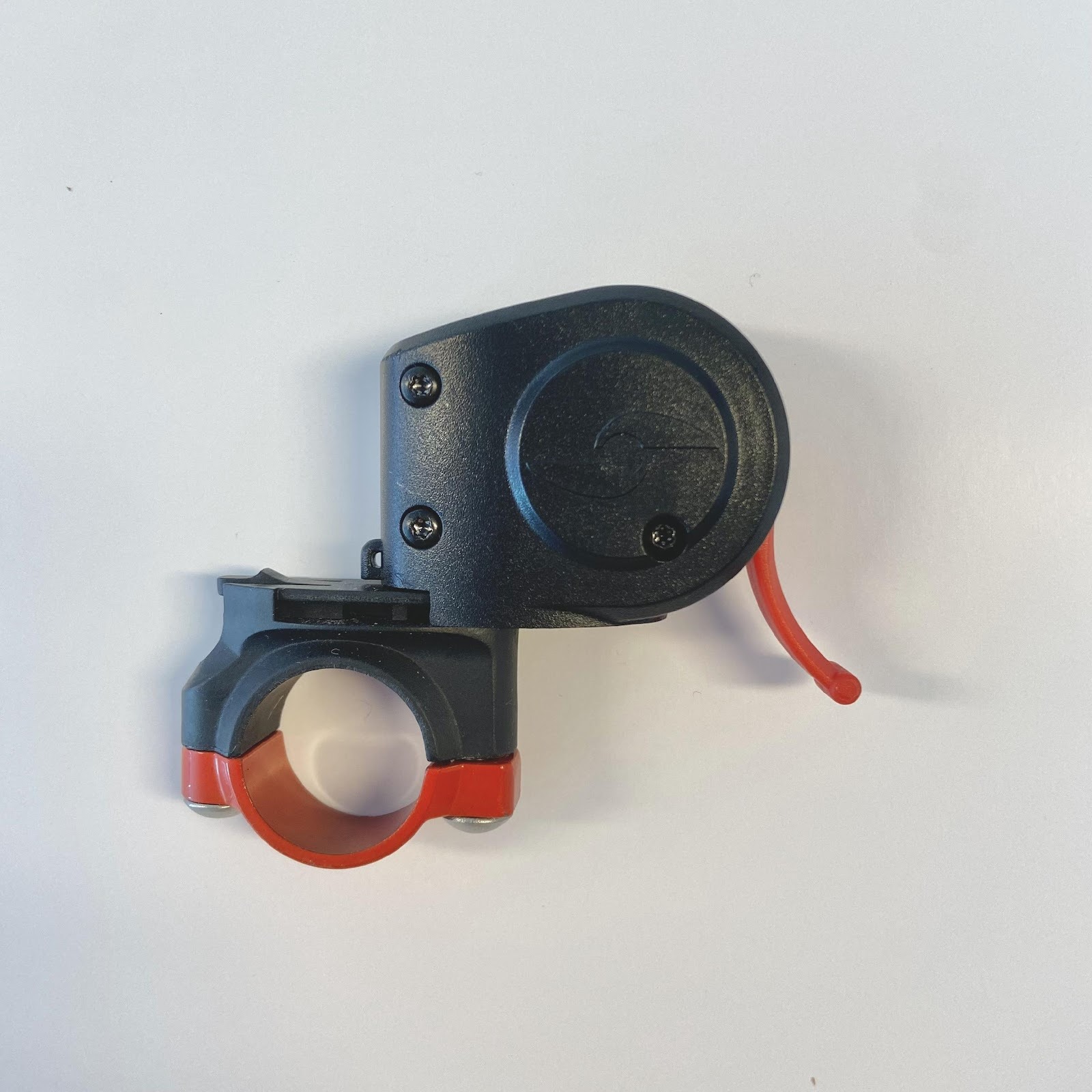
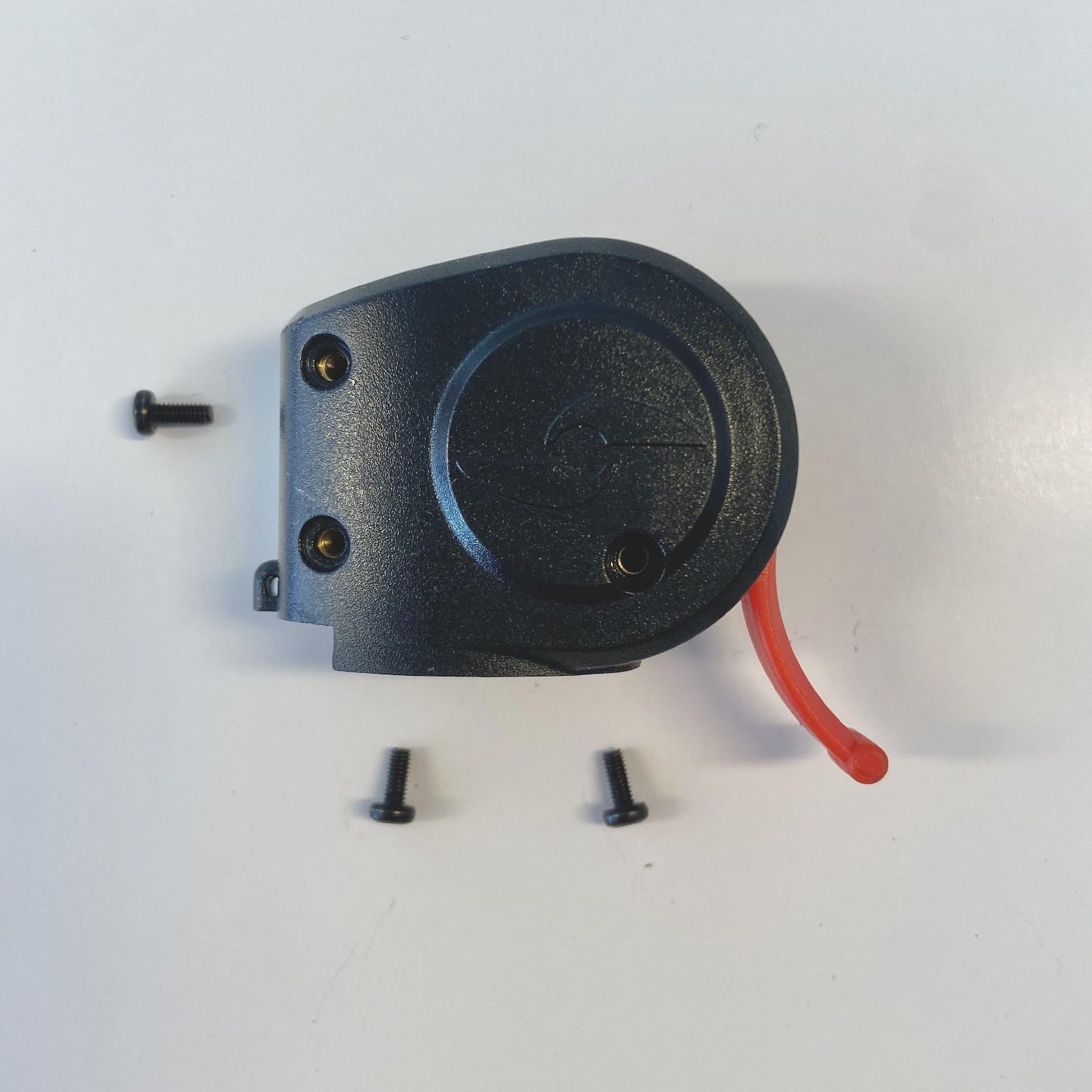
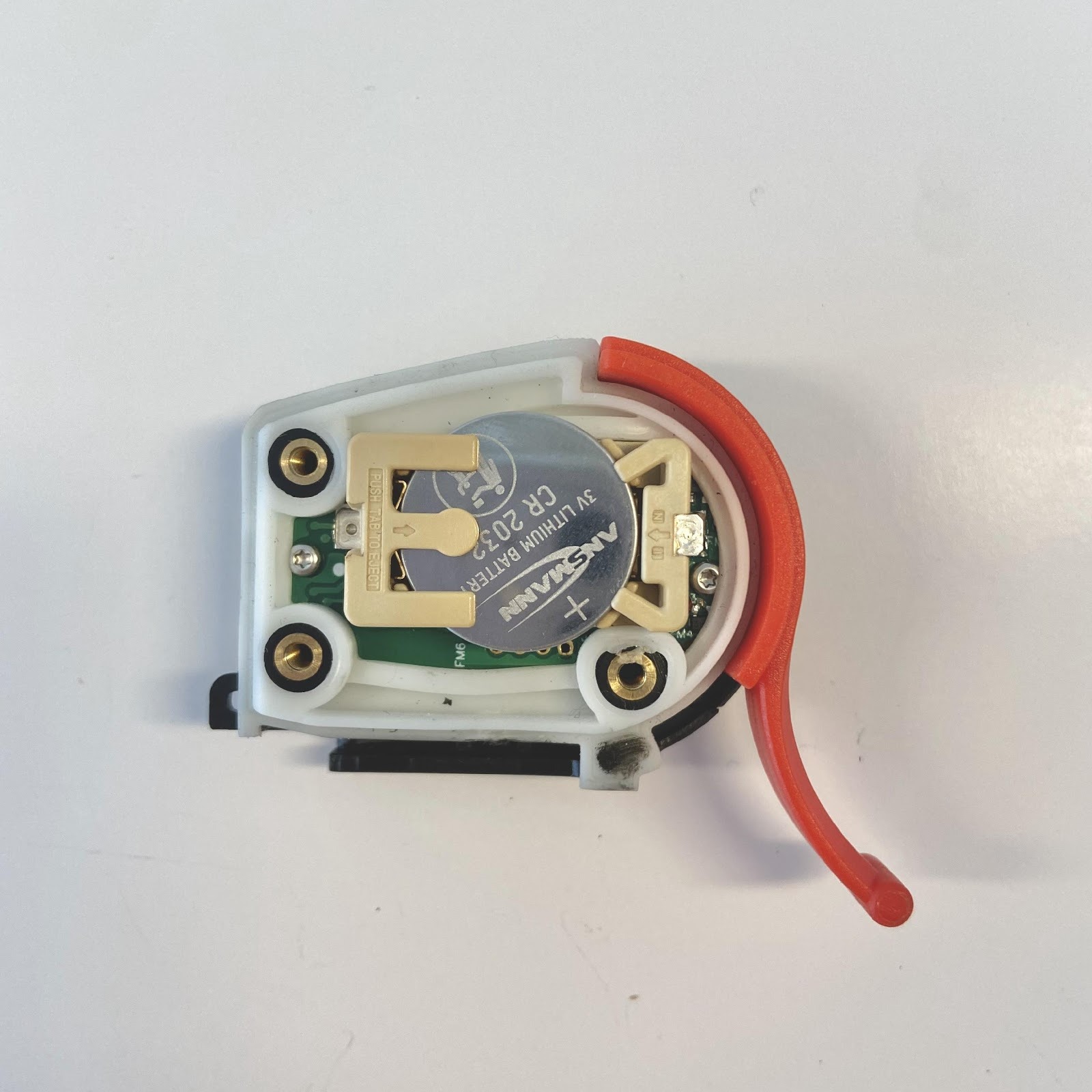
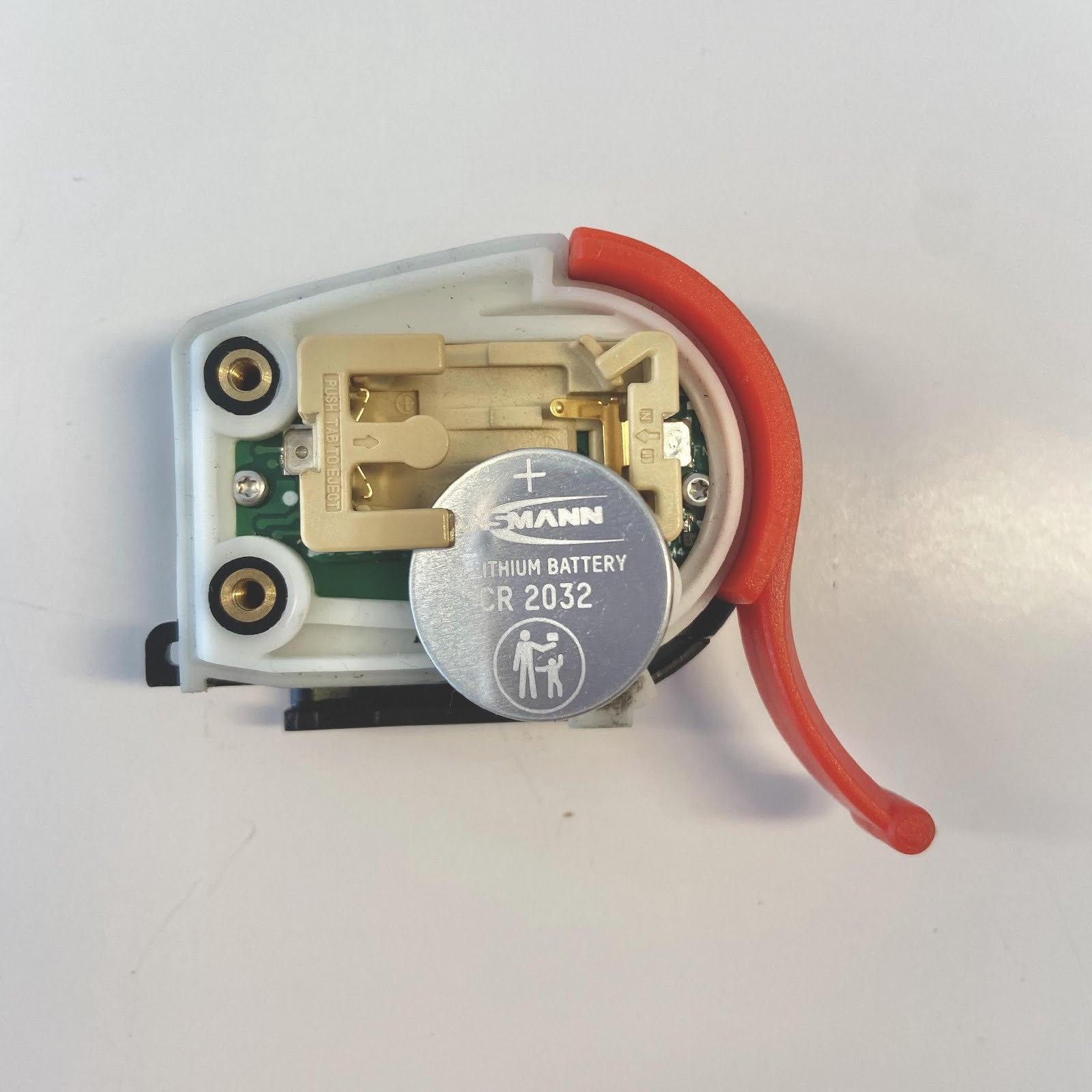
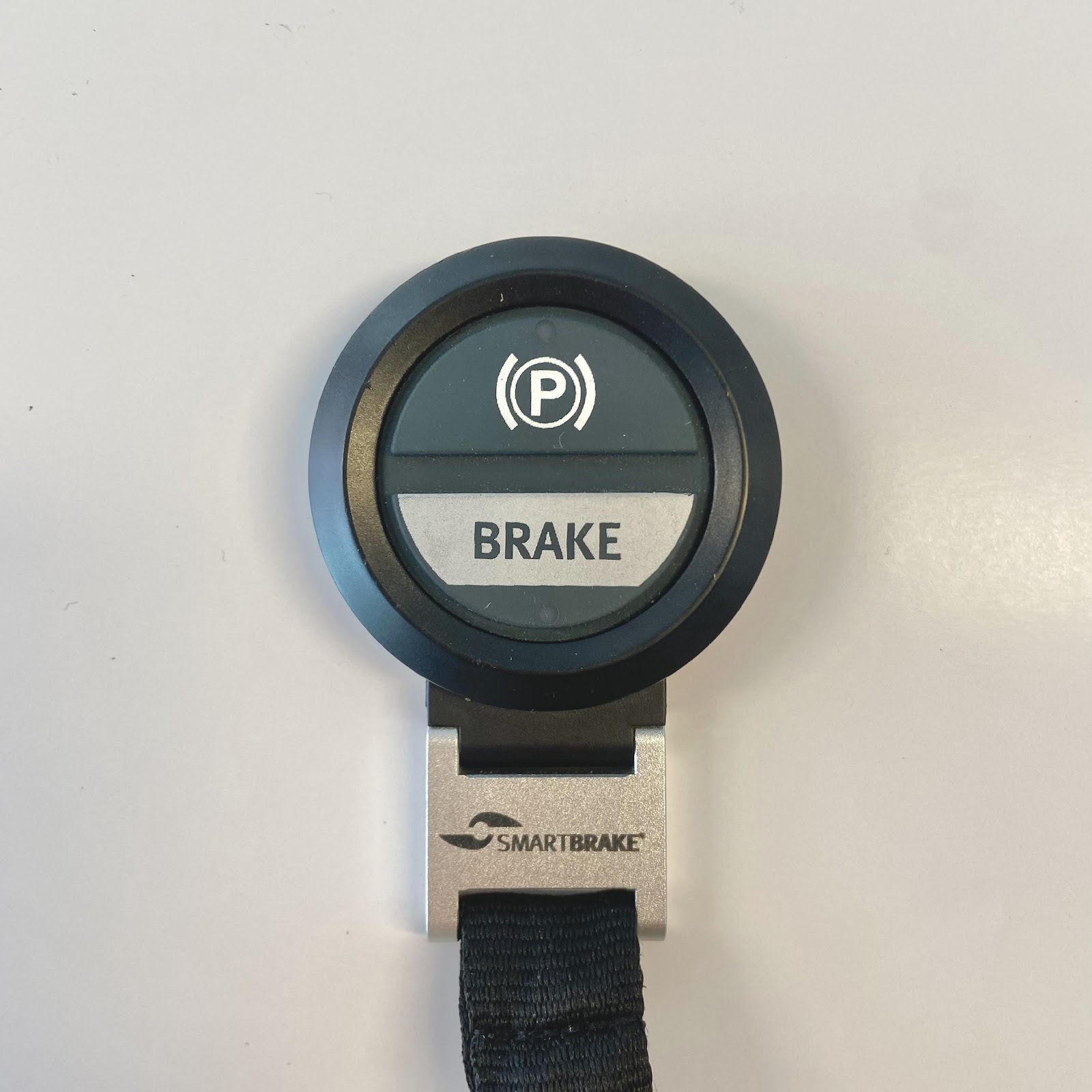
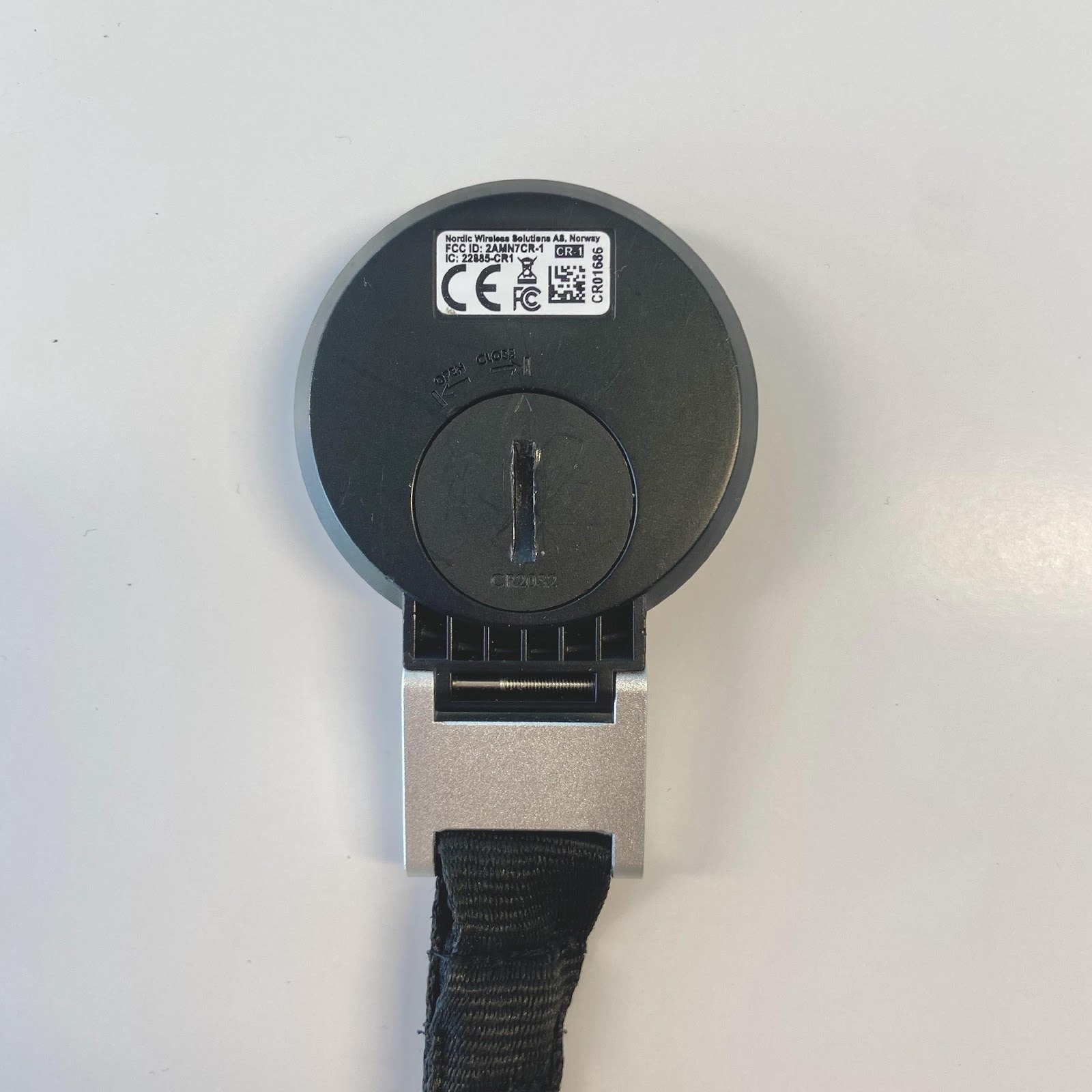
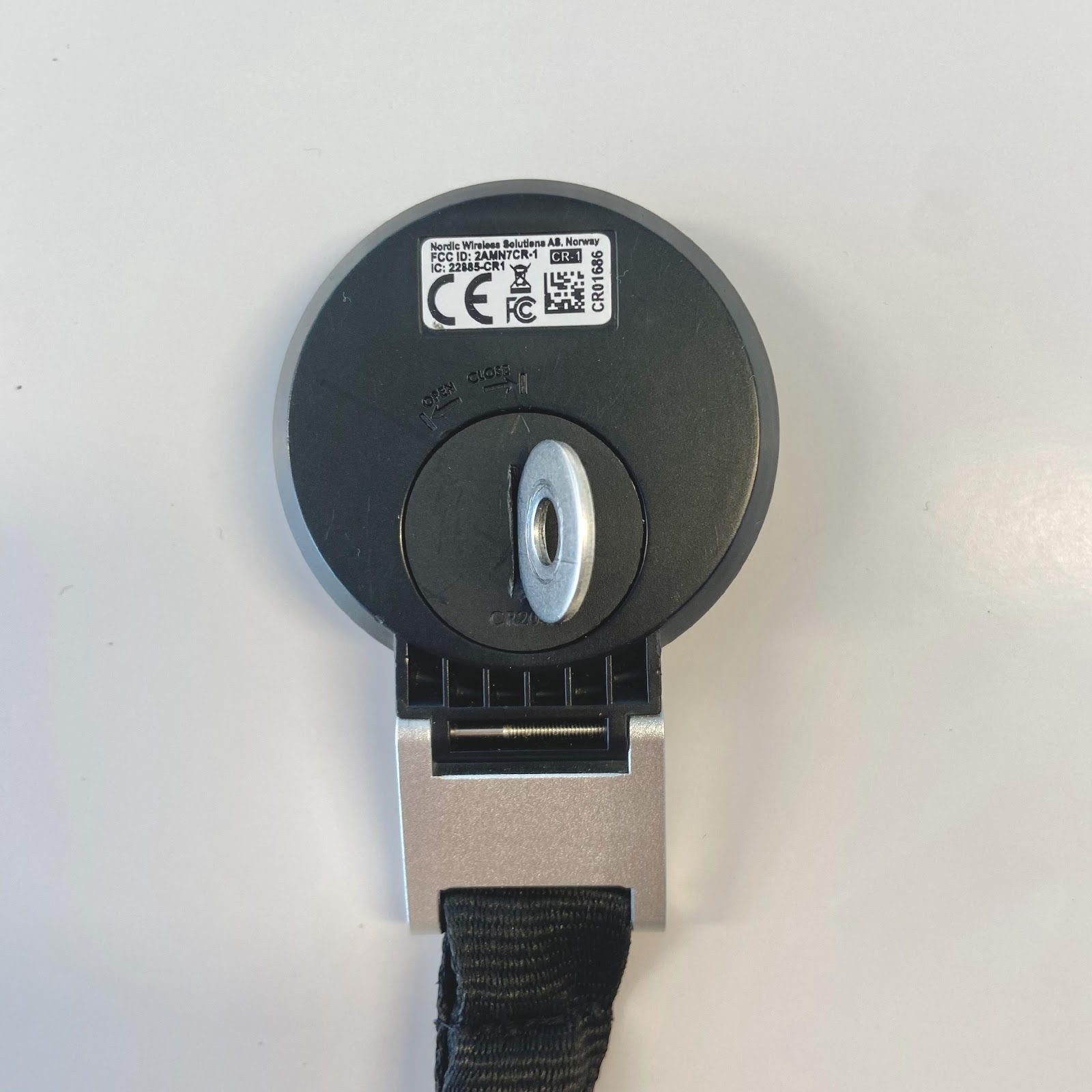
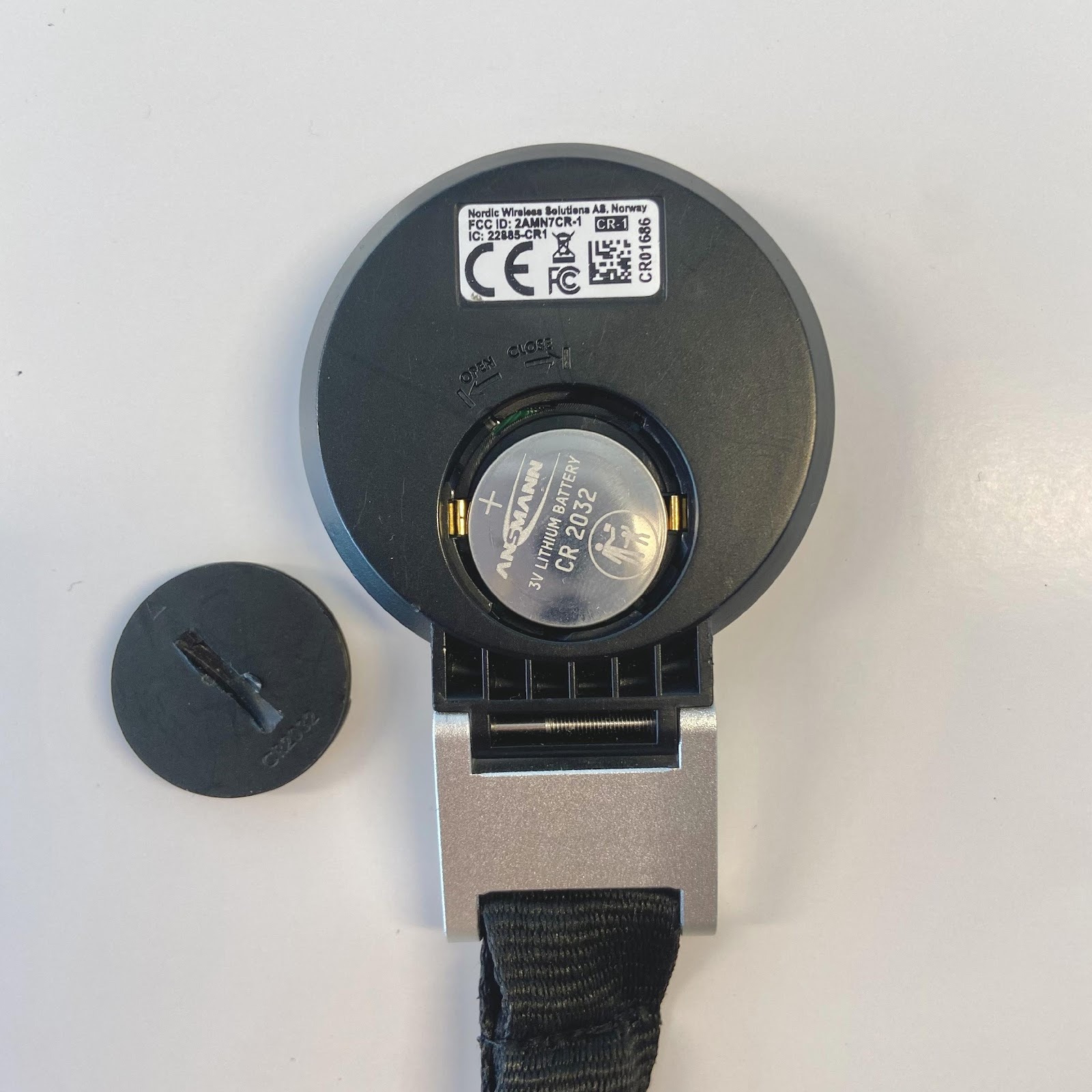
Batteries in controllers
The controllers use replaceable CR2032 batteries, which can be bought in normal stores where batteries are sold. Replace the battery if:
- low controller battery is shown when you press the lever while the SmartBrake brake unit is activated
- there is no light in the controller when you press the lever, which means the battery is empty. This applies whether the SmartBrake brake unit is activated or not.
Storage tips
If SmartBrake will not be used for a while, it should be recharged at regular intervals instead of being left empty for several months.

