



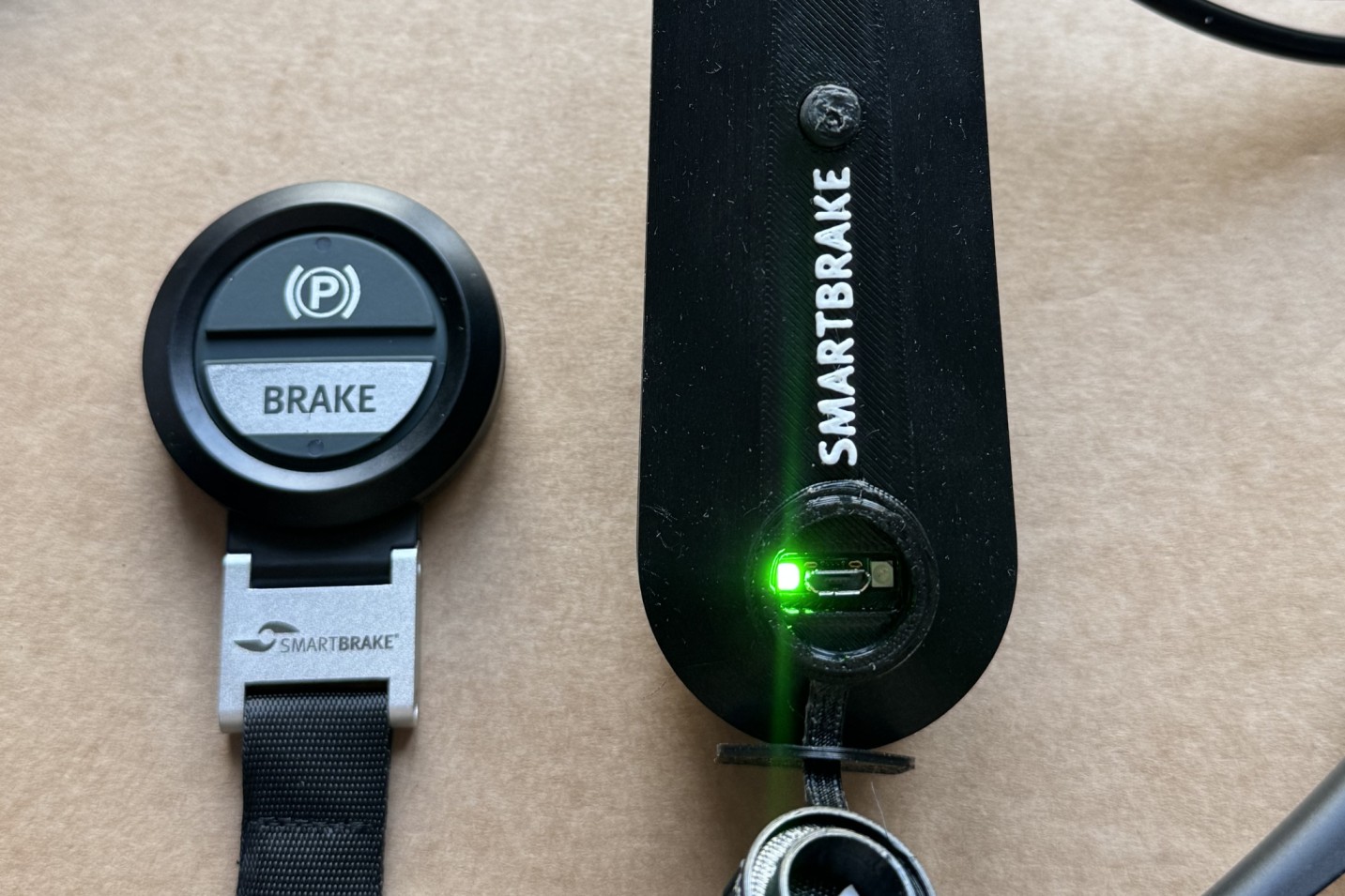
- Fail-safe is a safety function built into SmartBrake. When fail-safe is active, the brake stays locked until the system issue has been resolved.
- Fail-safe happens when the signal between the administrator controller and the brake unit is interrupted, or if a controller or the brake unit itself runs out of power.
In practice, this is often experienced when:
- SmartBrake starts up
- the companion controller is out of range
- the battery level is too low
Important
If you are unable to release fail-safe on site, you can turn off the SmartBrake unit to release the SmartBrake brake. You can then continue riding without active SmartBrake braking, using only the secondary brake on the bicycle. Only continue if the secondary brake is working properly and the situation is safe.
Normal fail-safe at startup
When SmartBrake is turned on, fail-safe may keep the wheels locked until you wake the controller.
- First, check that SmartBrake is turned on.It is important to confirm that it is actually SmartBrake keeping the brake locked, and not another brake on the bicycle.
- Wait until startup is complete.SmartBrake takes a few seconds to fully start up.
- Wake the controller once.This activates the controller and sends SmartBrake the signal to release fail-safe.
- Check that the wheels rotate freely.Once fail-safe is released, the wheels should roll normally.
If fail-safe is caused by low battery
- Charge the SmartBrake unit fully as soon as possible.
- If the controller battery is empty, it must be replaced before riding again.
Fail-Safe, empty battery in controller
Fail-Safe, empty battery in brake unit
If the wheel is still locked
If the wheel is still locked after this, the cause may be something other than normal startup. In that case, see the SmartBrake troubleshooting guide..

