




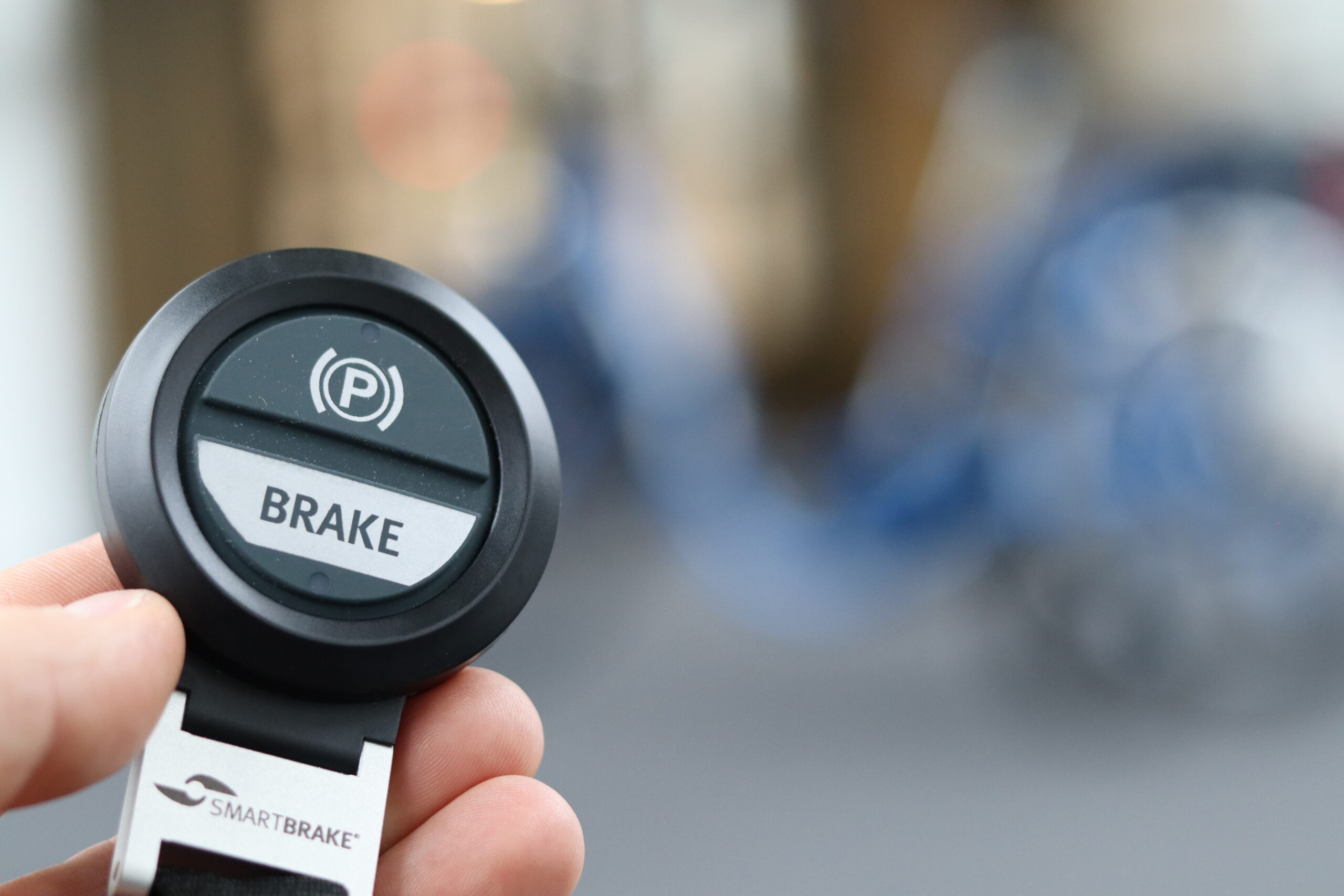
If SmartBrake does not behave as expected, you should always troubleshoot it in the same order.
Always start with these three questions:
- Is the SmartBrake Brake Unit switched on?
- Has the controller been woken up?
- Are the wheels locked or free?
These questions will quickly tell you what type of problem you are dealing with.
1. Always start by checking that the SmartBrake unit is active
Before troubleshooting anything else, make sure that the SmartBrake Brake Unit is actually switched on.
If the unit is not active:
- the controller cannot be woken up
- SmartBrake will not be operational
- further troubleshooting may be misleading
Therefore, always switch on the SmartBrake unit first and check the light signals. lyssignalene.
2. Wake up the controller
Once the SmartBrake unit is active, the controller must be woken up.
A controller that has not been woken up may cause SmartBrake to indicate a loss of connection, even if the controller is paired correctly. vise signal for manglende kontakt, selv om kontrolleren faktisk er paret riktig.
To wake up the controller:
- switch on the SmartBrake unit
- activate the controller once
- check whether the connection is established
Important: The controller can only be woken up while the Brake Unit is active.
3. Are the wheels locked or free?
This is the next important distinction.
If the wheels are free
The fail-safe is not active..
If the wheels are locked
The fail-safe is active.
This determines how you should interpret the remaining signals.
4. If the wheels are free
When the wheels are free, the fail-safe is not active. The problem should then be interpreted as follows:
If a light is flashing but the wheels are free
This normally indicates a low battery,not a fail-safe condition.
Low batt Unit
This means that the system is still operational, but the unit should be charged or the battery should be replaced as soon as possible.
If the controller does not brake, but the wheels are free
The problem is normally not related to the fail-safe, but rather to a missing connection between the controller and SmartBrake.
Check
- that the SmartBrake unit is switched on
- that the controller has been woken up
- that the controller is within range
- that the controller battery is not empty
- that the controller is paired correctly
In short:
Free wheels + flashing signal = often low battery
Free wheels + no braking = controller is not connected
5. If the wheels are locked
If the wheels are locked, the fail-safe is active.
Da skal du Always check lyssignalene the light signals on the SmartBrake unit first..
This is important because the fail-safe can be caused by several different issues:
- low or empty battery in the Brake Unit
- loss of connection with the controller
- controller with an empty battery
- controller outside the operating range
- system not properly woken up after start-up
6. If the fail-safe is active: first check the light on the unit
When the wheels are locked, first check the SmartBrake unit.
Flashing red light on the unit
This normally means that the battery in the Brake Unit is low or empty.
If the battery is empty, the fail-safe may have been activated because the unit no longer has sufficient power.
Fail-Safe due to empty batt Unit
What you should do:
Charge the SmartBrake unit as soon as possible.
7. If the fail-safe is active and the problem is not caused by the unit battery
If the wheels are locked and the problem does not appear to be caused by a low battery in the unit, check the controller connection.
Check:
- has the controller been woken up?
- is the controller within range?
- does the controller have battery power?
- is the controller showing a flashing green light, a red light, or no light?
- is the administrator controller active?
SmartBrake must be connected to an awake administrator controller in order to be operational.
If the administrator controller has not been woken up, is outside the operating range, or has no battery power, the system may remain in fail-safe even if another controller is present.
8. If the controller indicates a loss of connection
If the controller shows a signal indicating loss of connection (see section 2), you should first determine whether the controller simply needs to be woken up or whether it is actually disconnected.
After start-up or pairing
If SmartBrake has just been switched on or the controller has just been paired, a flashing green light may simply mean that the controller has not yet been woken up.It does not necessarily mean that the controller has been paired incorrectly.
If the connection-loss signal continues after waking the controller
Check:
- whether the administrator controller is awake
- whether the administrator controller is within range
- whether the controller you are using is an administrator or assistant controller
- whether the controller battery is low or empty
- whether the controller needs to be paired again
Hand Controller without connection to Brake Unit
TB / BLS without connection to Brake Unit
TB / BLS normal light signal when connected to Brake Unit
9. If you cannot resolve the fail-safe on site
If the fail-safe is active and you are unable to resolve the problem where you are, you can switch off the SmartBrake unit to release the SmartBrake brake.
The SmartBrake brake will then be released, but SmartBrake will no longer provide active braking. You will therefore continue riding using only the bicycle's secondary brake.
Only continue if:
- the secondary brake is working correctly
- the situation is safe
- you can continue riding with extra caution
10. If SmartBrake switches off automatically
If SmartBrake remains switched on for more than 1 hour without the brake being activated, the system will automatically switch off to save power. At the same time, the parking brake will be activated.
If this happens:
- switch SmartBrake on again
- wake up the administrator controller
- check that the wheels are released
11. Short summary
Use this simple logic:
SmartBrake does not work as expected
- Check that the Brake Unit is switched on.
- Wake up the controller.
- Check whether the wheels are locked or free.
- If the wheels are free: think battery or missing connection.
- If the wheels are locked: first check the light signals on the unit.
- Then check the controller, operating range, battery and administrator role.
12. Contact support if the problem continues
If you are still unable to get the system working, contact support and, if possible, provide:
- SmartBrake serial number
- bike brand and model
- a short description of the issue
- a short video showing the light signals, controller and wheels
The most useful support video shows:
- the SmartBrake unit being switched on
- which light signals are displayed
- whether the wheels are locked or free
- what happens when you activate the controller