
Guide
How to pair a SmartBrake controller
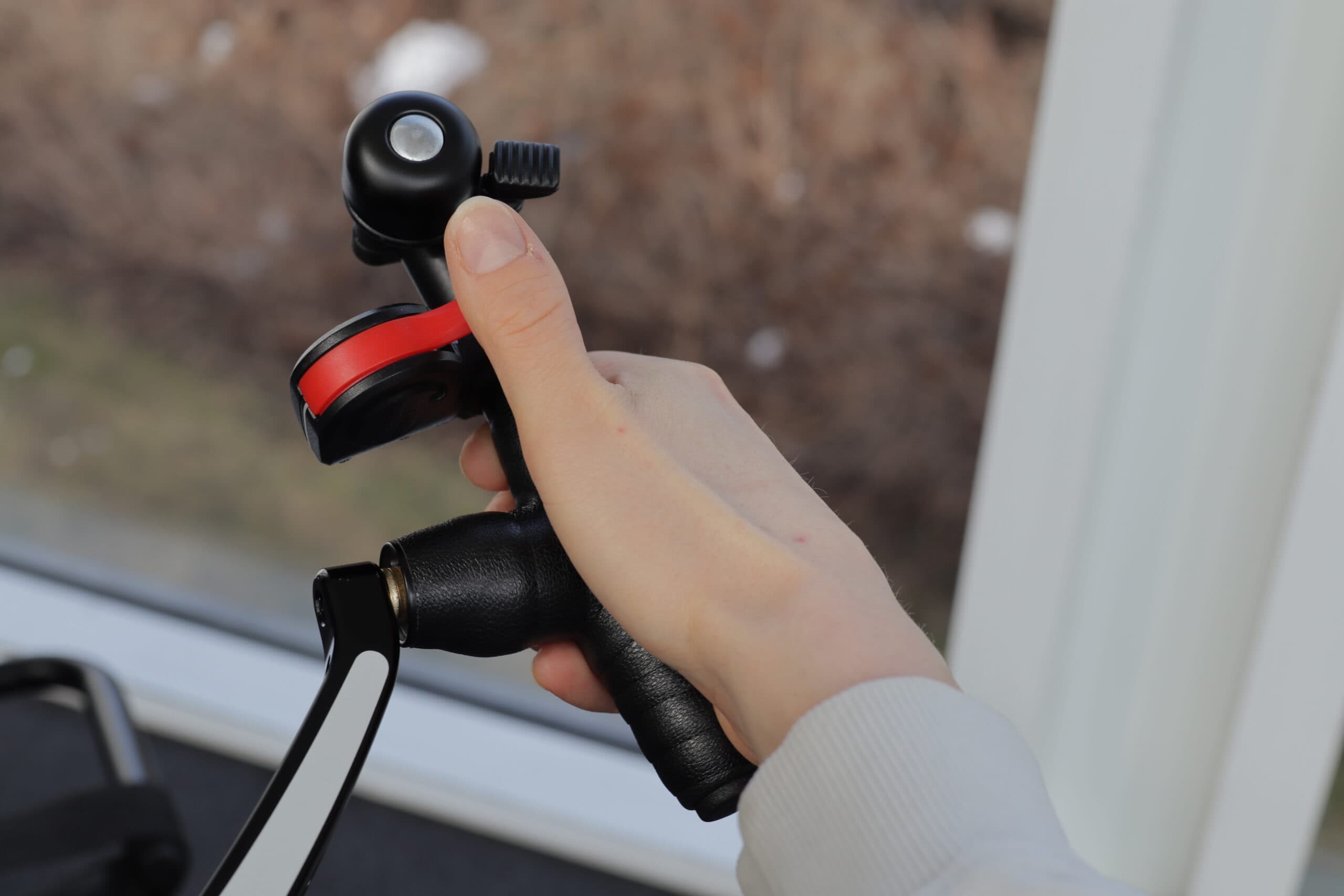
Most SmartBrake controllers supplied with a complete system are already paired before delivery.
You therefore usually do not need to pair the controller as the first step if something is not working. Often, the problem is instead that:
- the controller is not awake
- the battery is low or empty
- the controller is outside the operating range
- the controller or brake unit needs a simple reset
When should you pair a controller?
You usually only need to pair a controller if:
- it was supplied separately
- support has asked you to pair it again
- you have tried the usual steps without the controller connecting
Before trying to pair again
Try this first:
- Check the light signals. If SmartBrake shows a flashing green light, this means the system has no active signal connection.
- Wake up the controller. Activate the controller once after switching on the brake unit.
- Check the controller battery. If fail-safe does not release, check that the controller has battery power.
- Check the administrator controller. SmartBrake must always be connected to an awake administrator controller within range to be operational.
- Reset the brake unit. Hold down the activation button until the brake light has lit up 3 times. This takes approximately 30 seconds.
- Try pairing again. If this still does not help, try pairing the controller again.
How to pair a controller
- Switch off the SmartBrake unit. Make sure the SmartBrake unit is switched off before entering pairing mode.
- Enter pairing mode. Press and hold the button on the unit for approximately 10 seconds, until the red light stays on continuously. A steady red light means the SmartBrake unit is in pairing mode.
- Activate the controller
Use the controller you want to pair:
- pull the Brake Lever Slim lever
- press the lever on the Thumb Brake
- press “BRAKE” on the Hand Controller
If pairing is successful, the red light on the unit goes out.
How to pair a remote
Important before pairing
If an old spare controller is still nearby, especially an old administrator controller, remove its battery before pairing.
Check that the correct controller is paired with the correct brake unit before use.
Step 4: Wake up the controller after pairing
After pairing is complete and the SmartBrake unit has been switched on again, the controller must be woken up before the system can be used normally.
If the controller is not woken up, SmartBrake will enter fail-safe and show a flashing green light. This means the braking system has no active signal connection.
This does not necessarily mean pairing has failed. The controller may be correctly paired but still not awake after startup.
Important: The controller can only be woken up when the SmartBrake unit is switched on.
How to wake up the controller
- Switch on the SmartBrake unit
- Activate the controller once
- Check that the connection is established and that fail-safe is released
If SmartBrake still indicates signal loss after waking up
If SmartBrake still indicates signal loss after the controller has been woken up, check:
- whether the administrator controller is awake
- whether the administrator controller is within range
- whether the paired controller is an administrator or an assistant
SmartBrake must always be connected to an awake administrator controller to be operational.
If the administrator controller is not active, is outside the operating range, or you are trying to use an assistant controller without an active administrator, SmartBrake may still indicate signal loss even if pairing was completed correctly.