
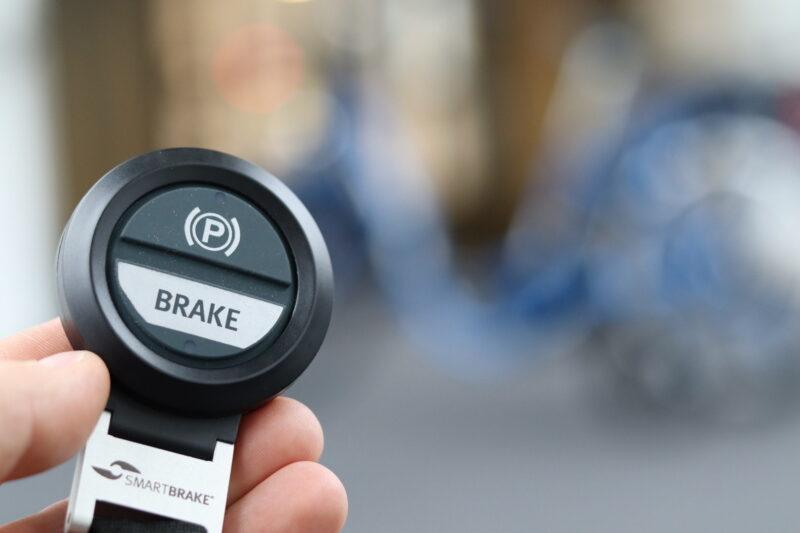
SmartBrake Wireless
Wireless operation with different controls. Braking is applied when the control is pressed.
Explore SmartBrake WirelessSmartBrake
SmartBrake is an electronic braking system for adapted bicycle setups. Different controls and configurations can be considered for the rider and, where appropriate, a companion.
Suitability depends on the person, bicycle, activity and surroundings. Compatibility, installation and the applicable instructions must be reviewed before use.

Three series
SmartBrake has three series with different ways to operate the brake. Compare the principles before the setup is assessed for the rider and bicycle.
Wireless operation with different controls. Braking is applied when the control is pressed.
Explore SmartBrake Wireless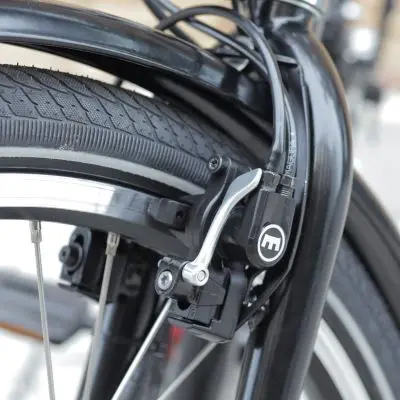
Combines a hydraulic brake lever for the rider with wireless operation by a companion.
Explore SmartBrake Hybrid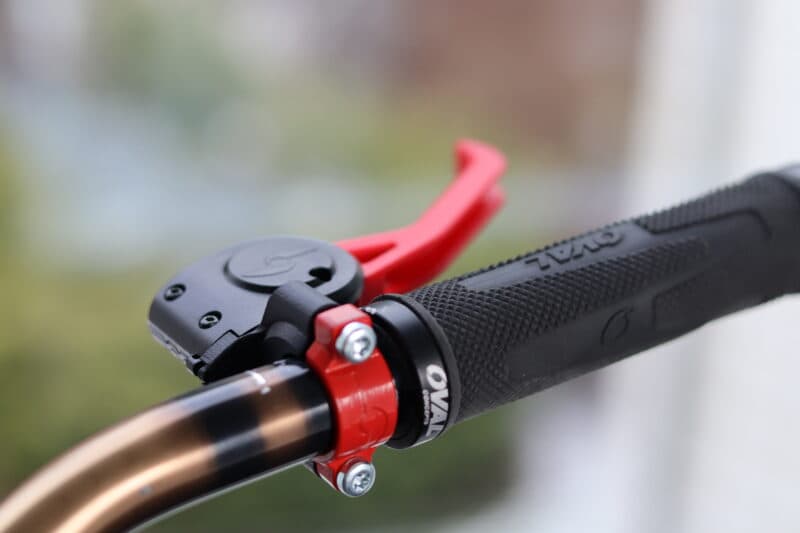
A different operating principle: braking is applied when the grip on the control lever is released.
Explore SmartBrake SwitchAbout the product
Discuss the control the rider needs and how it will be positioned. SmartBrake controls require a compatible SmartBrake system; they do not connect directly to a standard brake.
A compatible handheld control lets a companion operate the system. Its use and limitations are described in the instructions for the relevant version.
Provide the bicycle model, existing brake type and photographs so the proposed components can be assessed.
Describe who will use the bicycle, where it will be used and what is difficult with the current setup. Consider riding conditions, operation, mounting and the role of a companion.
An individual assessment helps identify the relevant configuration. The product overview does not replace assessment, training or the instructions for use.
SmartBrake Hybrid combines a hydraulic brake lever with wireless companion control. Other control options must be assessed against the intended bicycle and system.
Use SmartBrake Builder to describe your bicycle, or contact us for a technical discussion. A qualified mechanic should be involved in the installation and checks required by the applicable documentation.
Provide the bicycle and desired setup as a starting point for discussion. SmartGroup reviews compatibility and the requested configuration before preparing a quote.
Open SmartBrake BuilderQuestions and answers
These answers are an overview. Follow the applicable instructions for operation and safety.
Do not assume universal compatibility. The bicycle, brake components, mounting space and required controls must be checked before a quote is finalised.
SmartBrake controllers require a compatible SmartBrake system. They do not connect directly to an ordinary standard brake.
Select the instructions by system variant and serial number. A-series and older units have different documentation.
Needs, activity and equipment
Use these guides to prepare questions about the activity and the equipment you need.
Identify the model, cycle type and brake setup before asking about an adaptation.
Questions about controls, roles and the specific cycle setup before choosing equipment.
Discuss the intended controls, cycle platform and requirements before choosing an integration or adaptation.
Explore technical collaborationInclude the product, equipment, quantity and delivery country.
Discuss compatibility, adaptations and documentation.
Check the components, price and delivery terms before accepting.